
Blockers
Blockers stop specific customers from booking online by themselves.
Click Blockers in the left menu.

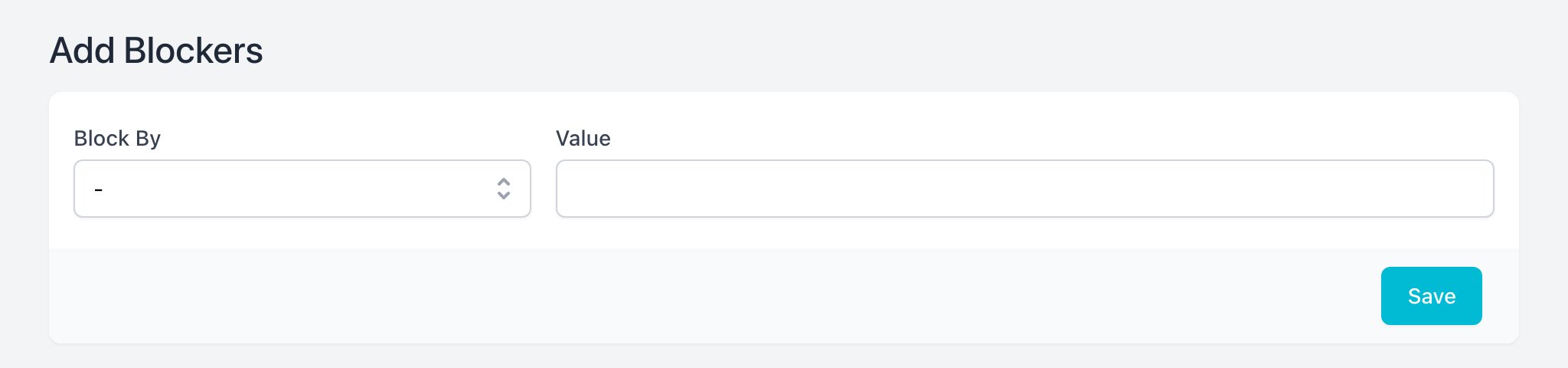
Block a Customer
- Click Create Blocker.
- Pick Block By: Email or Phone.
- Type the email or phone.
- Click Save.
- A blocked customer can't finish a booking on your booking page.
- Create Booking without validation shows a warning but still lets your team book them.
To unblock, click Delete on the row and confirm.
To view this page the user must have permission to