
Edit Booking
Open a booking, click Actions and choose Edit.
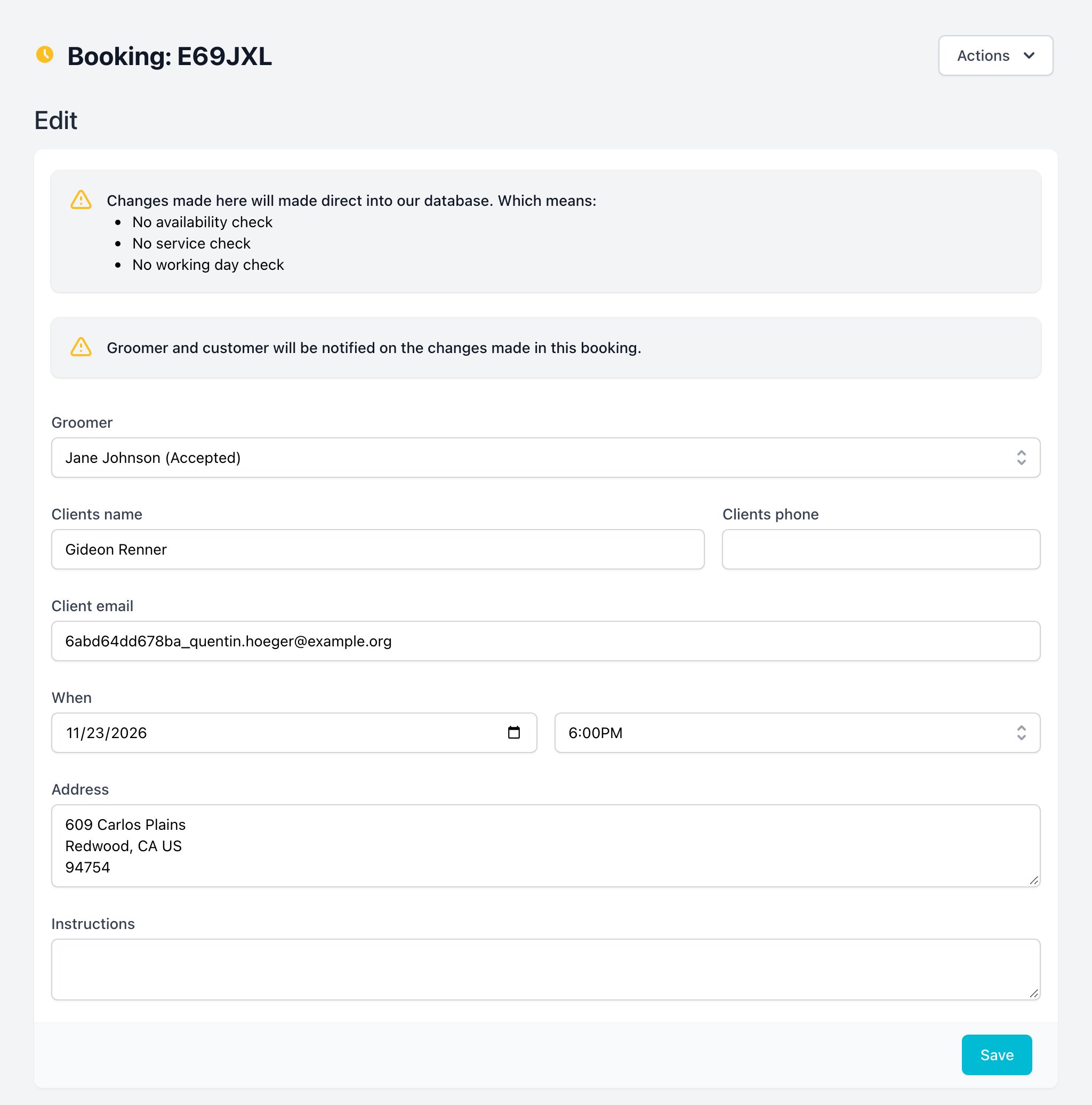
You can change the groomer, client name, phone, email, date and time, address and instructions.
DANGER
Changes go straight to the database. The system does not check:
- if the groomer offers the services;
- if the groomer works in that area;
- if the groomer is free at that time.
- The groomer and the customer are notified about the changes.
- Customer details changed here are not copied to the customer profile.
To move a booking with all checks, use Re-Schedule instead.
To view this page the user must have permission to