
Discount Codes
Customers type a discount code on your booking page to get money off.
This menu only appears when your company is connected to Stripe.
Click Discount Codes in the left menu.
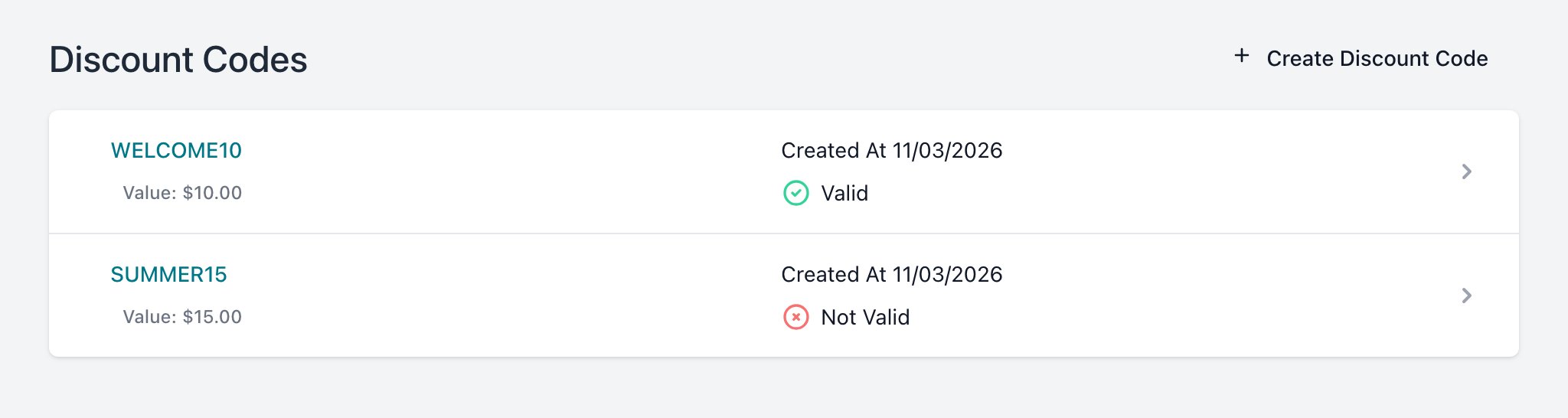
Each code shows its value, creation date and whether it is Valid today.
To view this page the user must have permission to
Create a Code
- Click Create Discount Code.
- Fill in the form.
- Click Create.
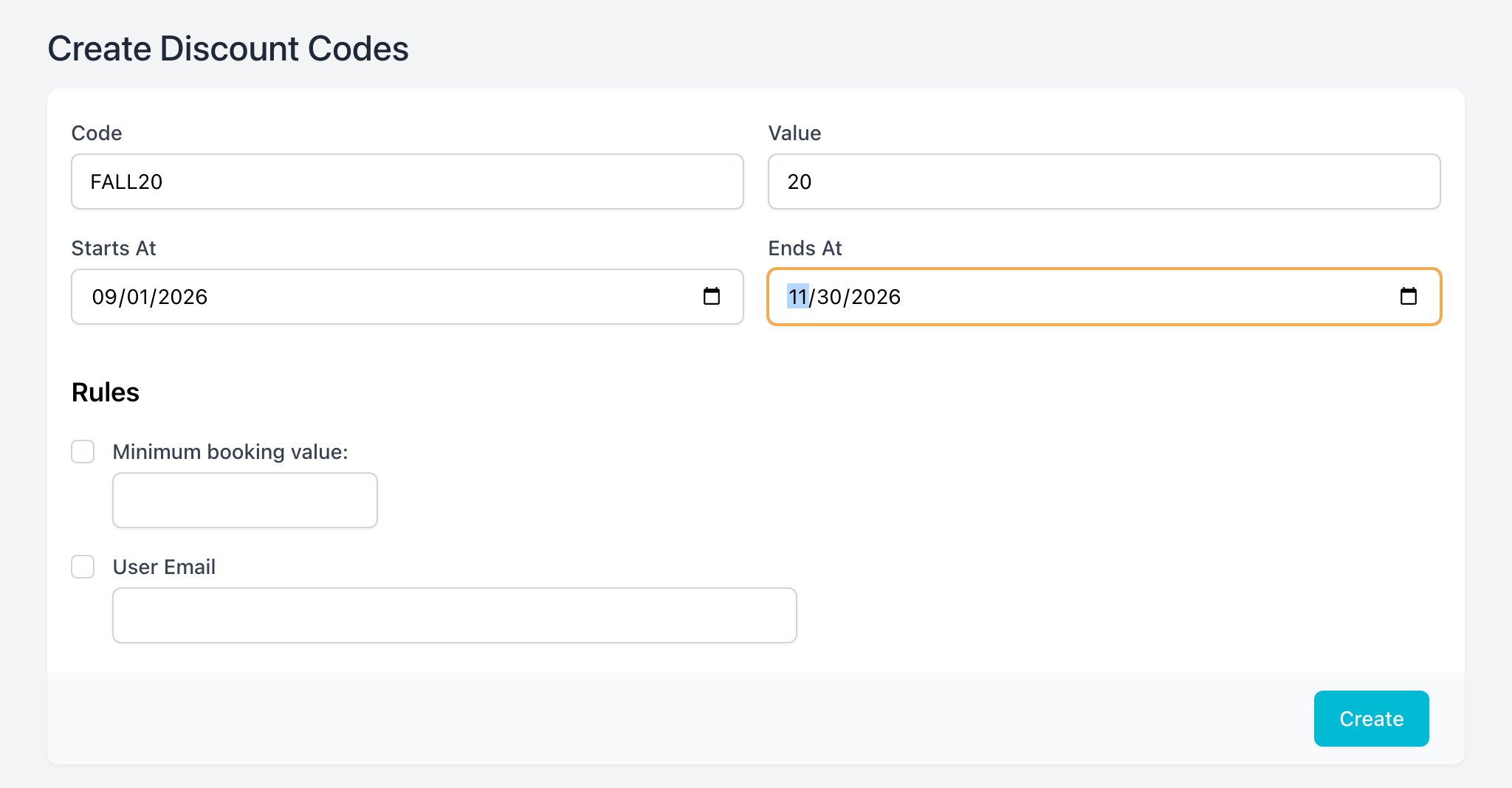
| Field | What it does |
|---|---|
| Code | What the customer types. At least 4 characters. |
| Value | Dollars off the booking. |
| Starts At / Ends At | Optional. The code only works between these dates. |
| Minimum booking value | Optional. The booking must cost at least this much. |
| User Email | Optional. Only this customer can use the code. |
To view this component the user must have permission to
Edit or Delete a Code
Click a code in the list.
- Change the fields and click Save.
- Click Delete and confirm to remove it.
To view this component the user must have permission to