
Your Profile
Click your name at the top of the left menu.
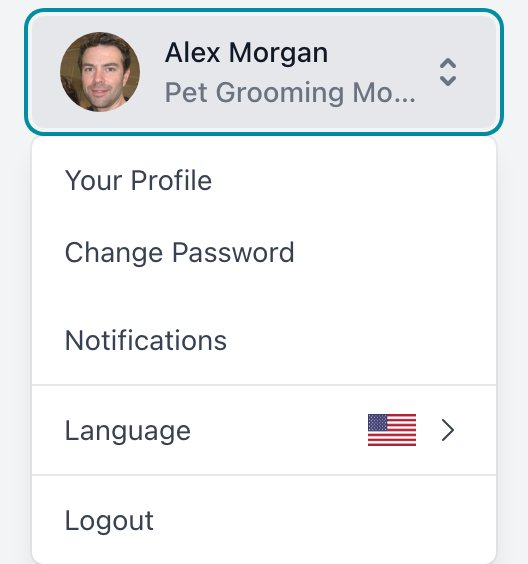
| Option | What it does |
|---|---|
| Your Profile | Opens your own groomer page. |
| Change Password | See below. |
| Notifications | See below. The red badge counts unread ones. |
| Change Company | Switches company. Only if you manage more than one. |
| Language | Changes the dashboard language. |
| Logout | Logs you out. |
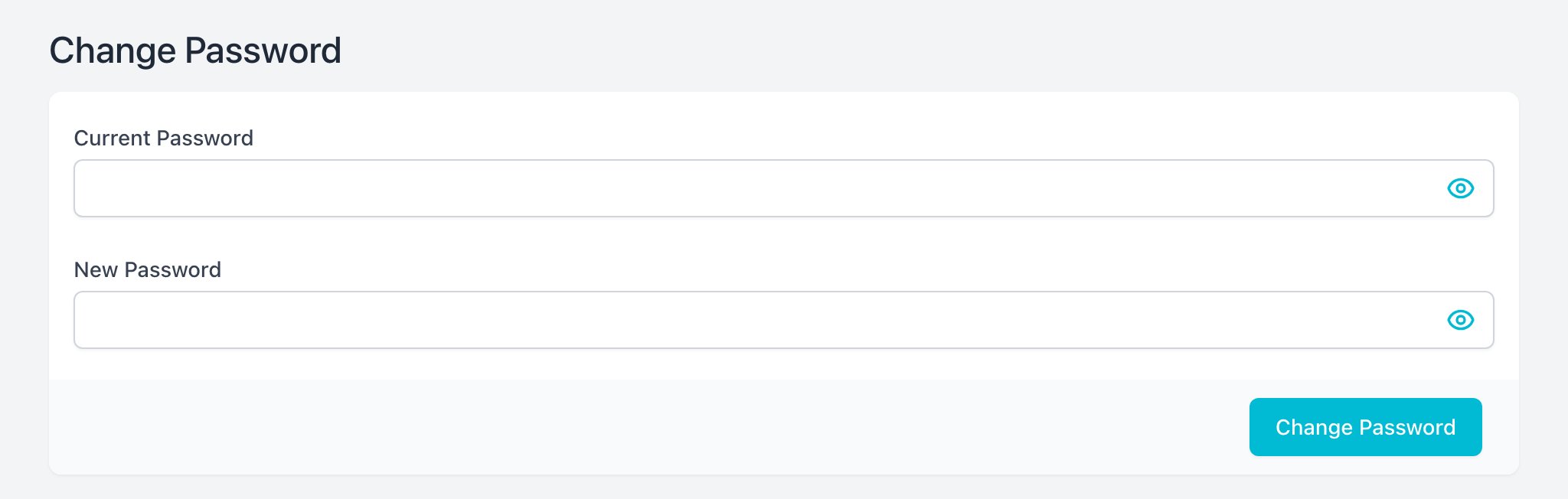
Change Password
- Type your Current Password.
- Type the New Password (at least 6 characters).
- Click Change Password.
Notifications
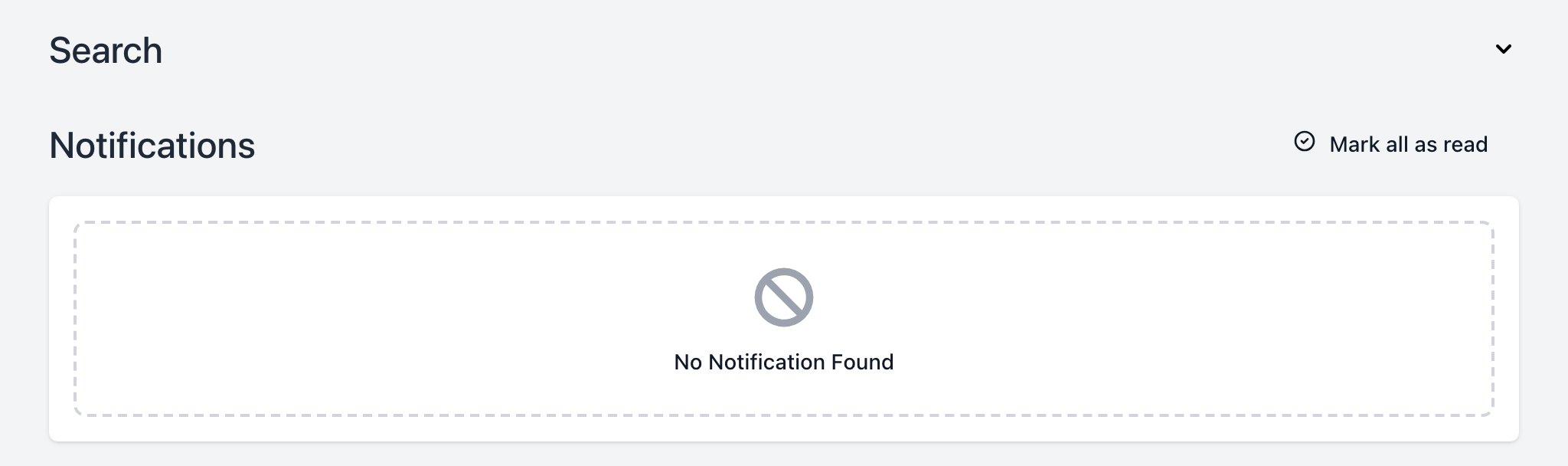
Your inbox of messages from Groomeer.
- Filter by Read Status.
- Click Mark all as read to clear them.
- Click a notification to mark it as read or unread.