
Reports
Click Reports in the left menu.
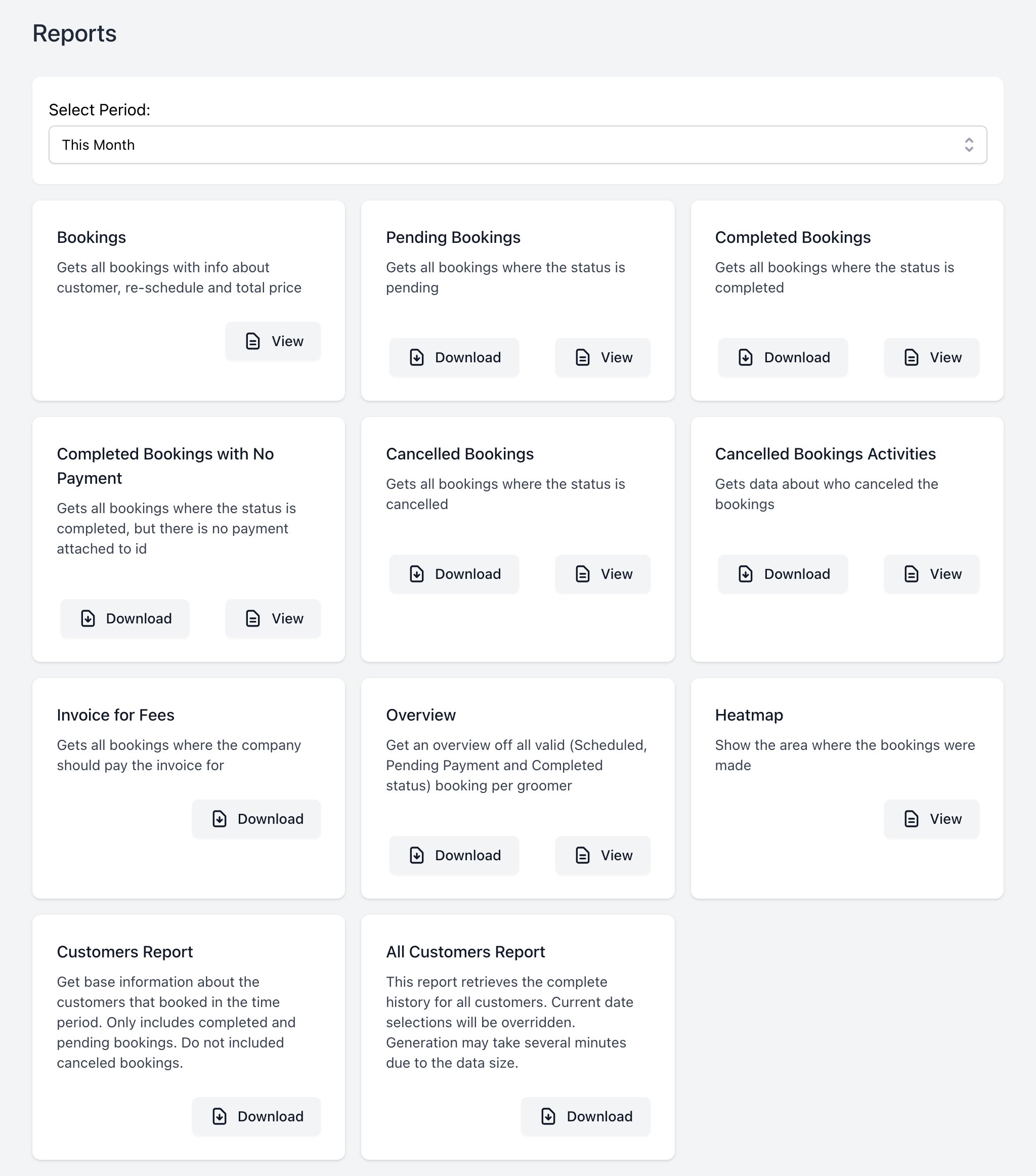
- Pick the period in Select Period. The default is This Month.
- Click View to see a report or Download to get a file.
| Report | Shows |
|---|---|
| Bookings | All bookings in the period. |
| Pending Bookings | Bookings still scheduled. |
| Completed Bookings | Bookings done. |
| Completed Bookings with No Payment | Done, but no payment recorded. |
| Cancelled Bookings | Bookings canceled. |
| Cancelled Bookings Activities | Who canceled each booking and why. |
| Invoice for Fees | Platform fees for the period. |
| Overview | Totals per groomer. |
| Heatmap | Where your bookings are on a map. |
| Customers Report | Customers who booked in the period. |
| All Customers Report | Every customer. Ignores the period and can take a while. |
For one groomer, see Groomer Reports.
INFO
Need a report that is not here? Tell us. We can build it for your company.
To view this page the user must have permission to