
Categories
Categories are colored tags. Use them to group bookings or customers and to filter lists.
Bookings and customers have separate category lists.
Manage Categories
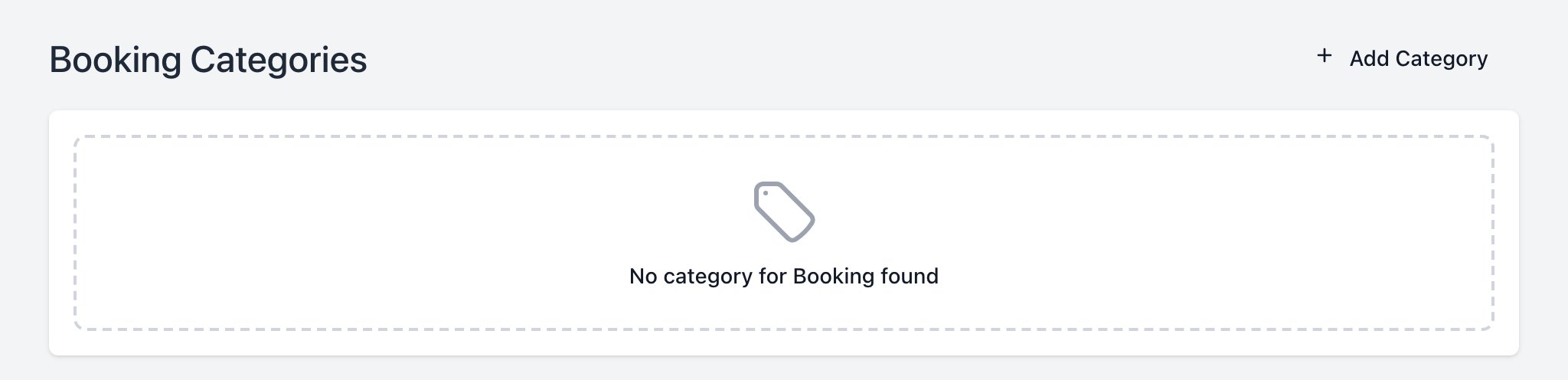
Create a Category
- Click Add Category.
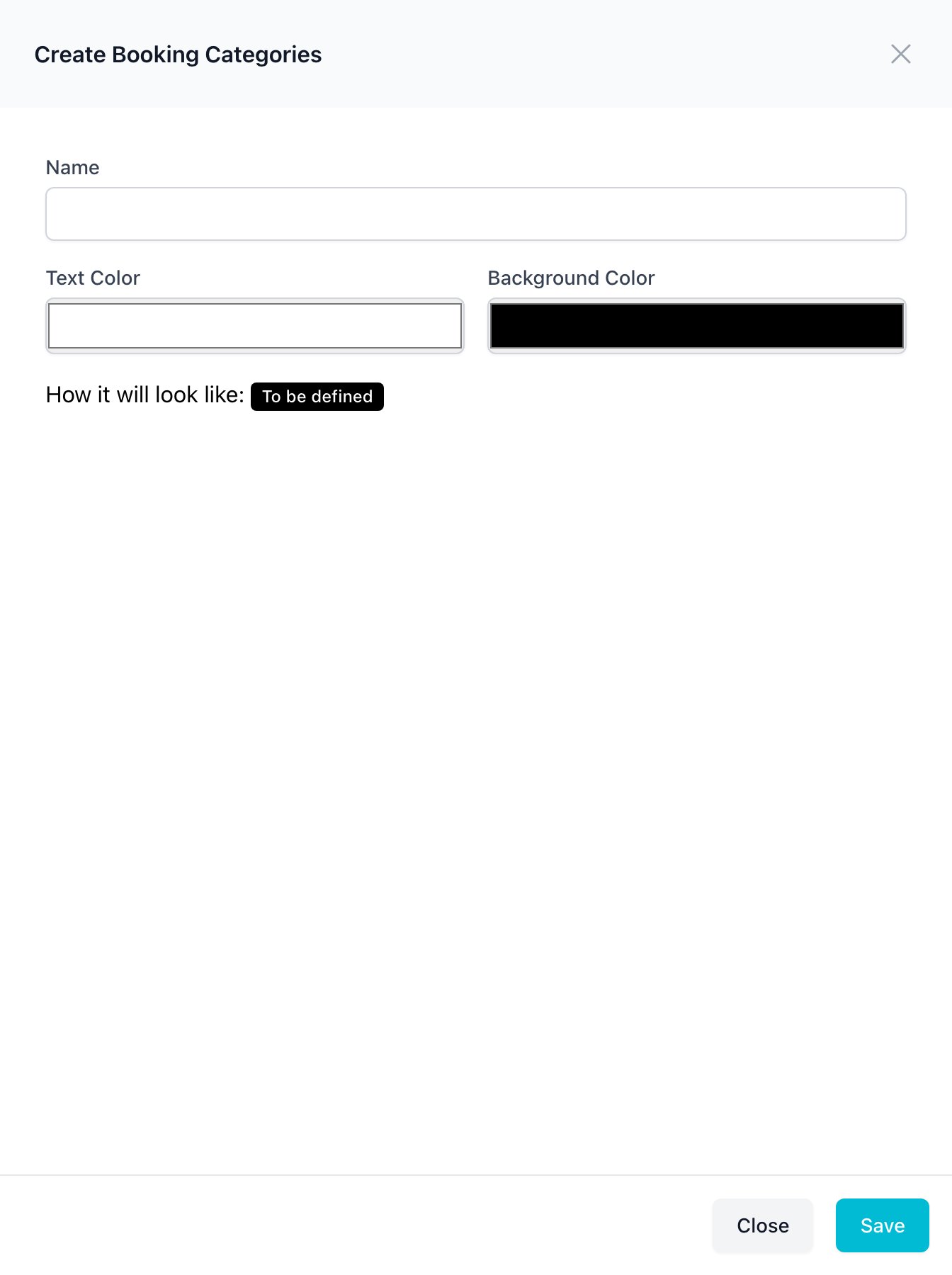
- Type the Name.
- Pick the Text Color and Background Color. The preview shows the result.
- Click Save.
To edit or delete a category, click it in the list.
Tag a Booking or Customer
- Open the booking or customer.
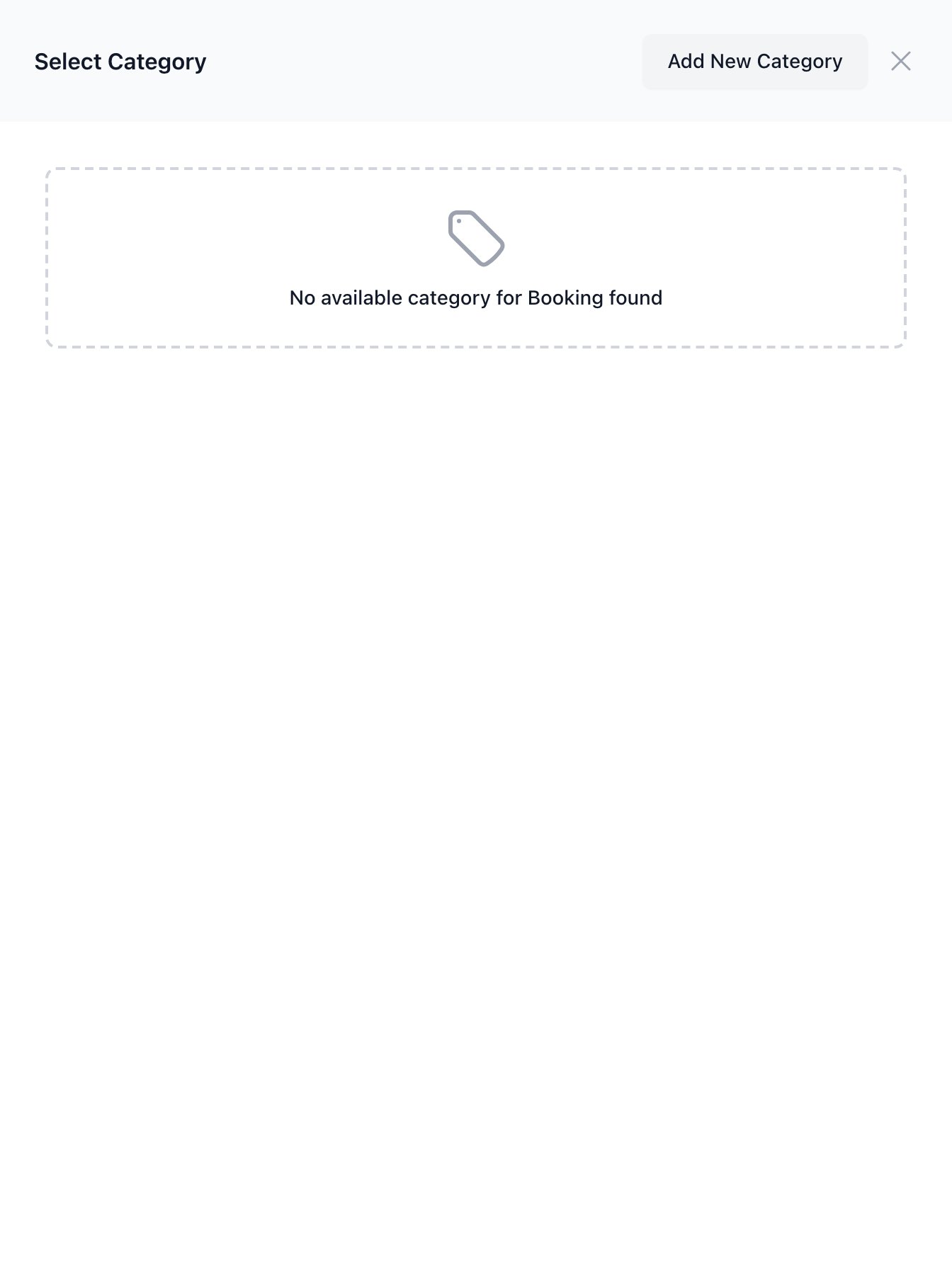
- Click Select Category under the title.
- Pick one or more categories.
To remove a tag, click the × on it.
To find tagged items, use the Category filter in the list search.